

Build
Real parts, real tools. Students follow guided steps to assemble their kit by hand — screens, buttons, and boards — building something that actually works.

Code
Once it's wired up, learners load and tweak real code, turning curiosity into genuine programming skill they can see and test immediately.
Play
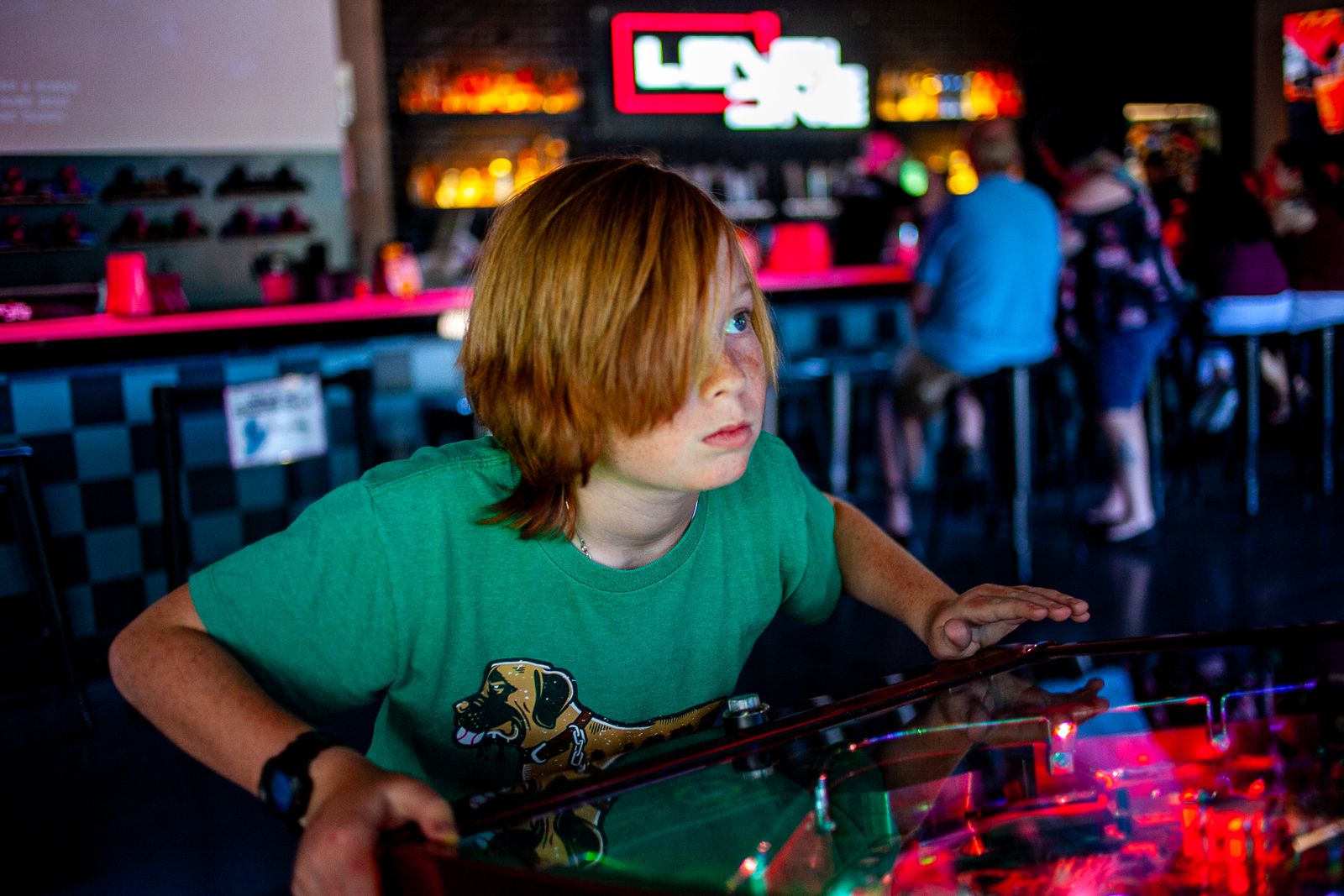
The reward comes after the last connection: booting up a working build and playing it for real — proof of what they created.

Build-Your-Own Arcade Kit
Everything needed to build a real, playable arcade cabinet from scratch — no experience required.
- Arduino-Compatible
- Multiple Games Included
- 60-Minute Build
Everything In The Box
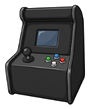
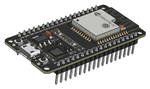
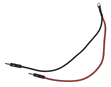
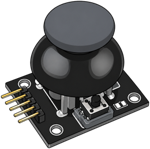
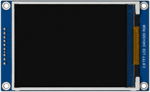
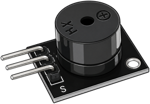
Hover over a piece to see what it does. Every part you need to build, wire, and code your own working arcade cabinet — nothing extra to buy.


Games You'll Code
Every kit boots into a library of playable games — swipe through to see what's included and what each one teaches.
 Pong
01 / 08
Pong
01 / 08
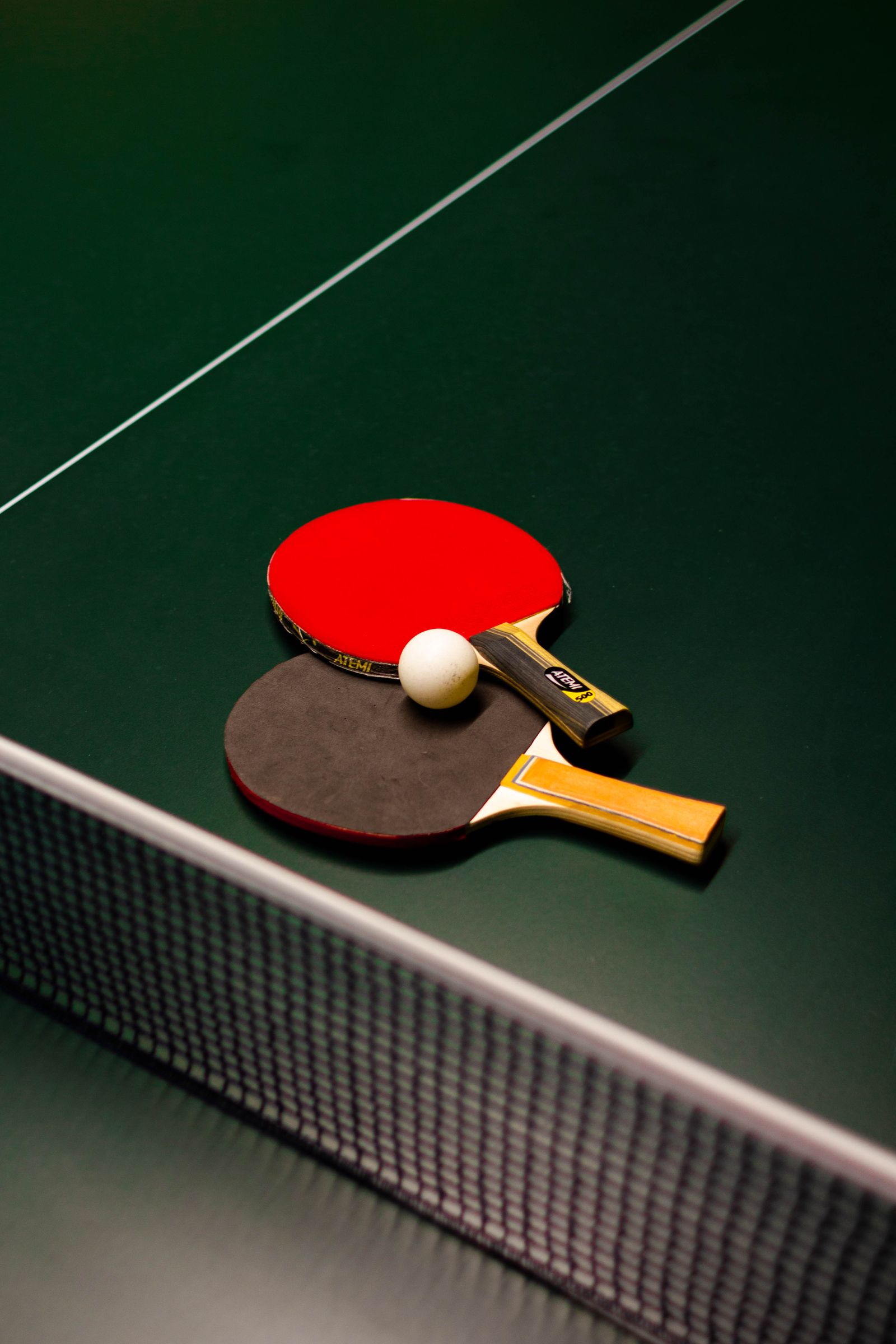
Two paddles, one ball, no mercy. Keep the ball in play and out-angle your opponent to win the point.
What the code teaches: Velocity and collision math. The code tracks the ball's direction and flips it the instant it hits a paddle or wall.
 Snake Attack
02 / 08
Snake Attack
02 / 08
Rotate and drop falling blocks to clear full rows before the stack reaches the top. Speed climbs the longer you last.
What the code teaches: Grids and rotation logic. The code tracks a 2D grid of cells and checks every row for a complete, clearable line.
 Gridiron Drive
03 / 08
Gridiron Drive
03 / 08
Snap the ball and find the gap. Juke past defenders and sprint your way to the end zone.
What the code teaches: Pathfinding and collision detection. The code tracks defender positions in real time and checks your route for open space.
 Snake
04 / 08
Snake
04 / 08
Eat, grow, repeat — just don't run into your own tail. Every bite makes the next move harder.
What the code teaches: Arrays and self-collision. The code stores every segment of the snake's body and checks new moves against all of them.
 Memory Match
05 / 08
Memory Match
05 / 08
Flip two cards at a time and remember what's where. Clear the board in as few tries as you can.
What the code teaches: State tracking and comparison. The code remembers which cards are face-up and checks every new pair for a match.
 Space Blaster
06 / 08
Space Blaster
06 / 08
Enemy ships close in from every side. Aim, fire, and clear the wave before it clears you.
What the code teaches: Object spawning and collision detection. The code checks dozens of bullets and ships against each other, every single frame.
 Maze Runner
07 / 08
Maze Runner
07 / 08
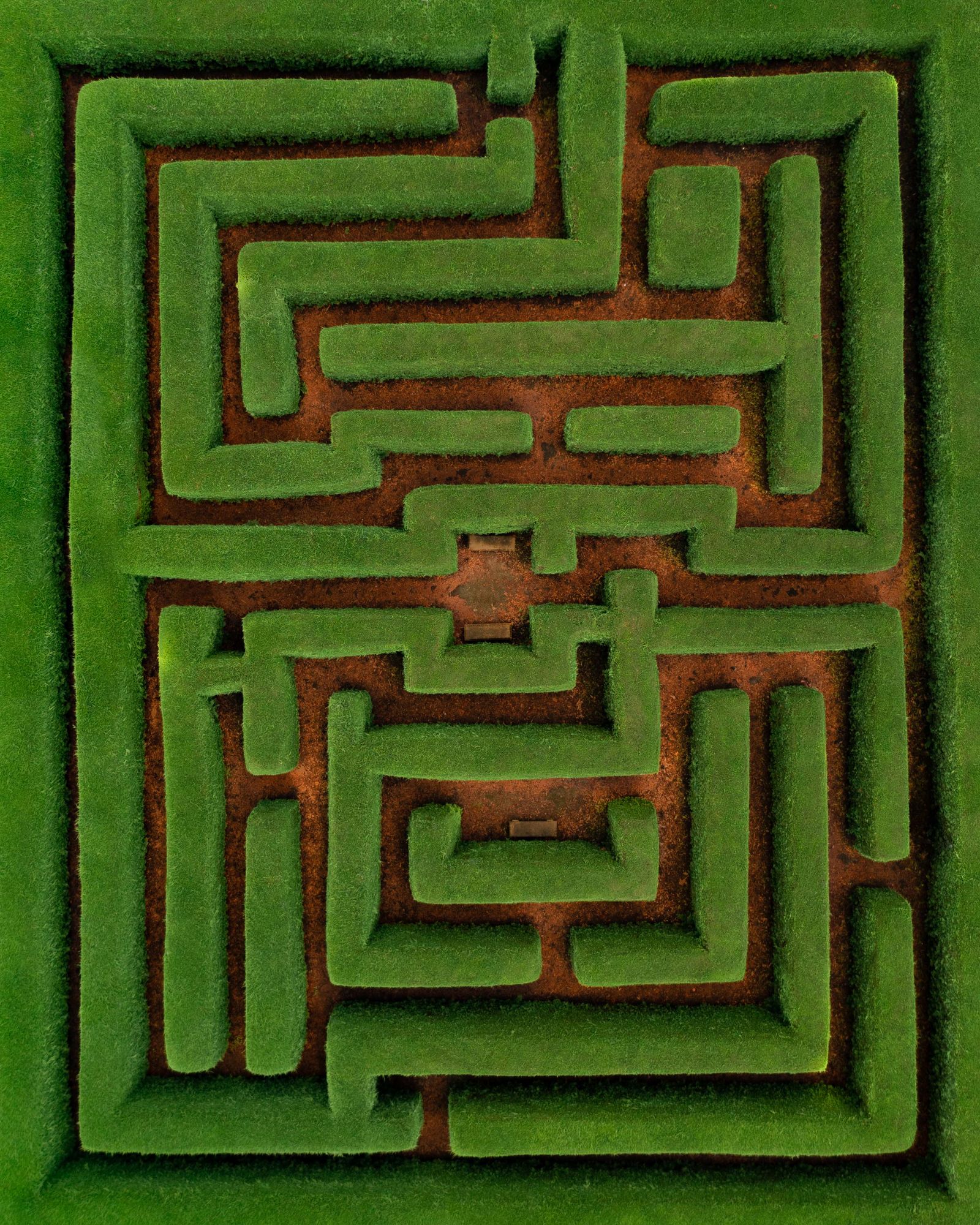
Find your way from start to exit before the clock runs out. One wrong turn costs you seconds you don't have.
What the code teaches: Grid traversal and pathfinding. The code checks which walls block your next move and tracks the shortest route to the exit.
 Racing Dodge
08 / 08
Racing Dodge
08 / 08
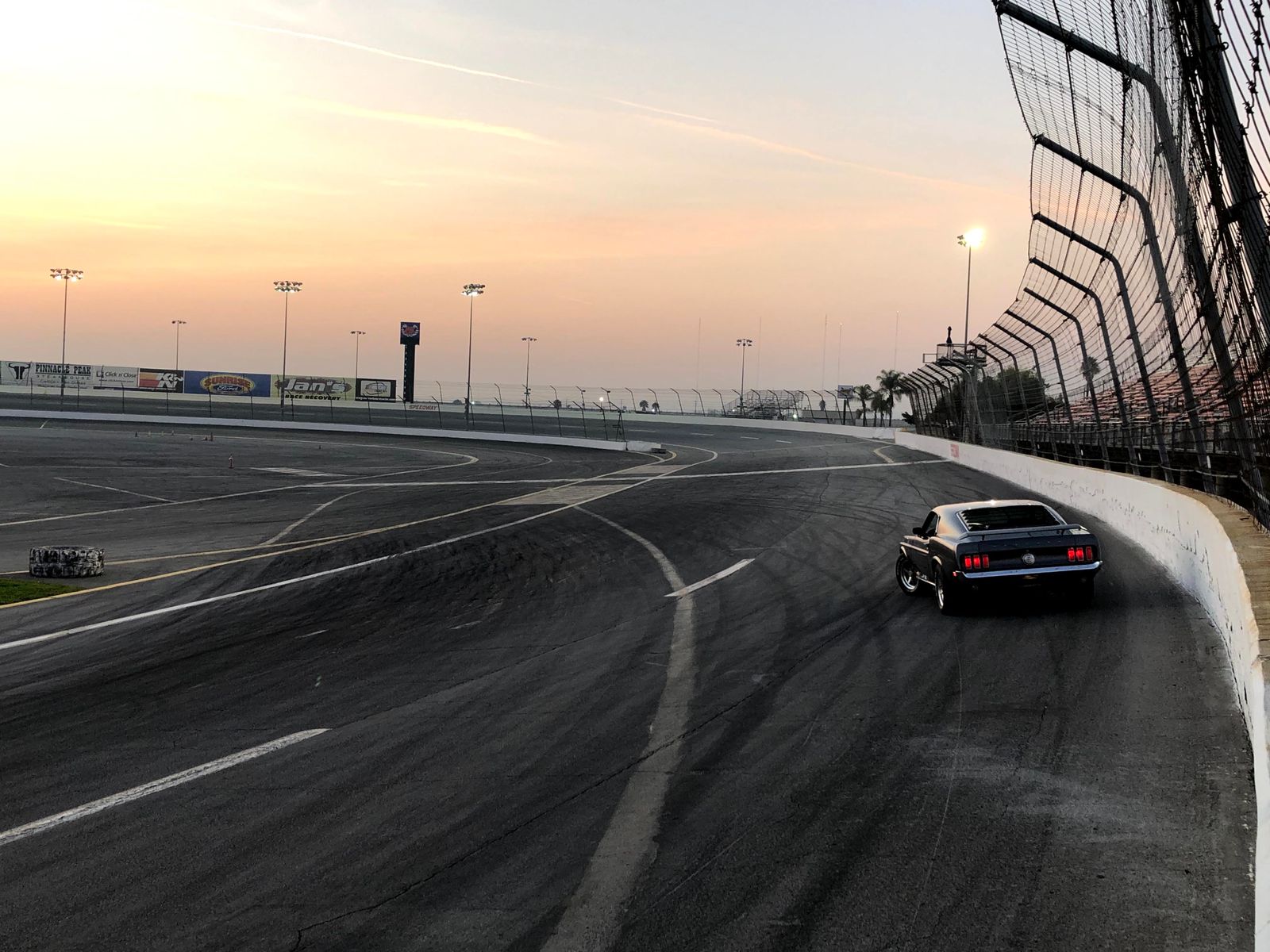
Traffic keeps coming and the road keeps narrowing. Swerve in time, or it's game over.
What the code teaches: Speed scaling and randomization. Obstacles spawn faster and closer together automatically as your score climbs.
Write Real Code
This is a taste of the kind of code you'll write with your kit. Drag the slider and watch the runner's jump change instantly.
// This line controls how high your runner jumps
let jumpHeight = 70px;

jump(jumpHeight);One variable, one real result — raise jumpHeight to clear taller obstacles.
However You're Building
Shopping for Home
A hands-on weekend project and a real arcade cabinet when it's done. Perfect for one curious kid or the whole family.
Schools & Programs
Bulk pricing, structured lesson plans, and full-time support for classrooms, camps, and STEM programs.
Frequently Asked Questions
Every piece needed to build the arcade cabinet: pre-cut panels, a screen, arcade buttons and joystick, control board, cables, and full instructions. No extra tools or parts to buy.
No soldering or special tools required. Every connection snaps or screws into place. Recommended for ages 8 and up, with an adult nearby for the first hour of assembly.
Most builders finish in 2-3 hours across one or two sittings.
Shipping costs are calculated at checkout based on your location. If anything arrives damaged or missing a part, contact us and we'll send a replacement at no cost. See our full FAQ page for more details.
Yes! We offer bulk pricing for classrooms, camps, and STEM programs. Visit our Educators & Bulk Orders page to get in touch.
